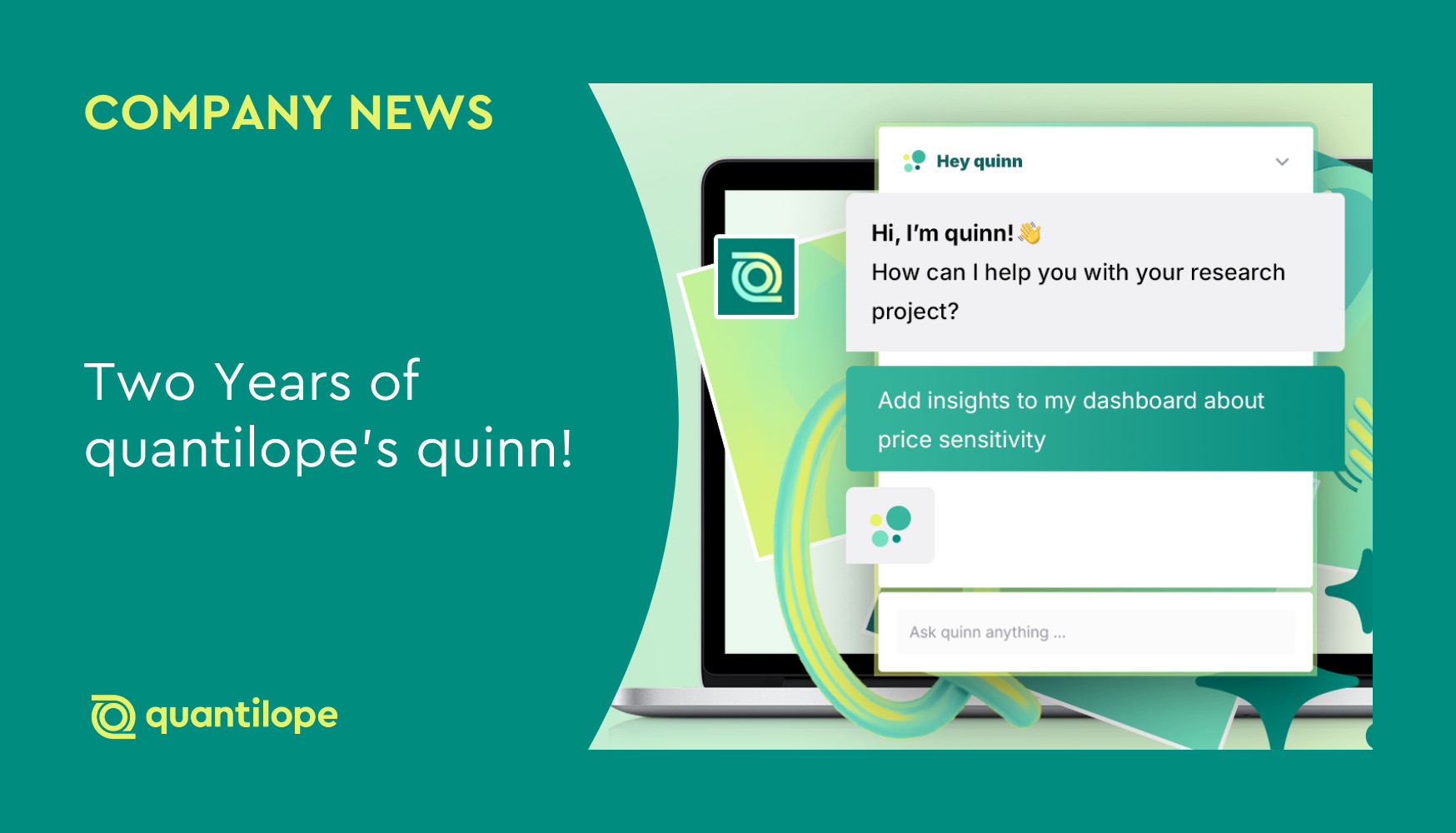
Two years ago, we embarked on an exciting journey, introducing quinn as our AI Research Partner designed to streamline advanced consumer research. Since then, quinn has grown into more than just our platform’s AI tool. Today’s quinn is a true research partner, not just providing speed and automation for end-to-end research tasks, but providing guidance, inspiration, suggestions, and key takeaways. As an extension of any research team, quinn helps insights professionals make stronger business decisions.
Now two years since quinn’s launch, we're thrilled to release quinn’s latest update – one that encompasses key learnings from the past 24 months – making quinn smarter, more conversational, and seamlessly adaptable to any research process.
Below are three major learnings that drove quinn’s latest updates.

Learning #1: AI intelligence is iterative.
Our most critical learning over the past two years with quinn is that executing research tasks requires precision and collaborative feedback. Researchers need an AI partner that thinks with them, not just for them. This is a key reason why AI won’t replace researchers’ jobs; AI doesn’t have the full context or background knowledge to ultimately make impactful business decisions. It can, however, guide researchers in the right direction and support them throughout their research process so they can get to those decisions faster.
quinn is now a smarter, more iterative agent:
- Enhanced intelligence: We've upgraded quinn to a more advanced AI model, improving content generation and resulting in more precise responses to instructions. quinn will now ask clarifying questions about your next steps rather than generating a response based on assumptions.
- Improved platform knowledge: As quantilope’s platform grows and improves, so must quinn's expertise. We’ve significantly enhanced quinn’s ability to answer questions about up-to-date platform features, tools, and settings.
Learning #2: Conversation drives workflow.
Planning for research projects often happens over a period of time rather than within a single platform session. As such, quinn needed to function in a way where researchers could come back to their conversations and iterate on ideas as needed.
quinn now provides a stronger conversation experience:
- Saved chat history: Conversations with quinn are now saved per user and per project. You can return to a complex task days later and pick up exactly where you left off. If you prefer to start fresh, you can simply clear the chat history without having to reload the page.
- Improved and interactive UI: Visibility is key to trust. When you send a request, quinn now displays real-time progress updates, letting you know exactly what’s it’s working on. The user interface (UI) has also been optimized to give quinn’s responses more space in the chat window.
- Copied messages: Use quinn’s generated insights, text, and titles elsewhere with a single click – easily copying quinn's responses for external reports.
Learning #3: Dashboard functionality cannot be an afterthought.
The core of consumer research is analysis and reporting. While a lot of focus happens in the earlier stages of research – like survey drafting and fielding – reporting is where the most value lies for stakeholders and end decision makers. Knowing this, quinn has moved beyond reporting summaries to become more ingrained in the reporting process.
quinn’s expanded analyze & dashboard capabilities:
- Advanced chart creation & editing: quinn now provides full control over chart generation, including chart type specification and the option to generate an action title or not. It can also edit existing charts (changing chart types, titles, sorting, scales, etc.) and generate analysis without forcing new report groups. You can even refine charts within a report/dashboard and create new versions, asking quinn to revert changes if needed.
- Comprehensive report & dashboard management: quinn can now read, add, and edit report groups and the charts within them. Easily manage or edit dashboard tiles and commentary, copy charts between reports, and ensure visual consistency – as quinn now recognizes your text tile formatting when creating new tiles.
An ever-evolving quinn
While these updates signify the latest version of quinn, we’ll never stop expanding and improving quinn’s capabilities to meet our platform users’ wants and needs. With this, comes retiring older features that no longer serve our users.
Because quinn now offers much more powerful and iterative dashboard capabilities, we’re retiring quinn’s standalone ‘dashboard summary’ button. Instead of pressing a static button, chat with quinn for all your niche reporting needs and get a much more curated output.
Ready to see our two years of learning in action?
Head to the platform to ask quinn: "What are your latest updates?"